Pay a Hubpay payment link
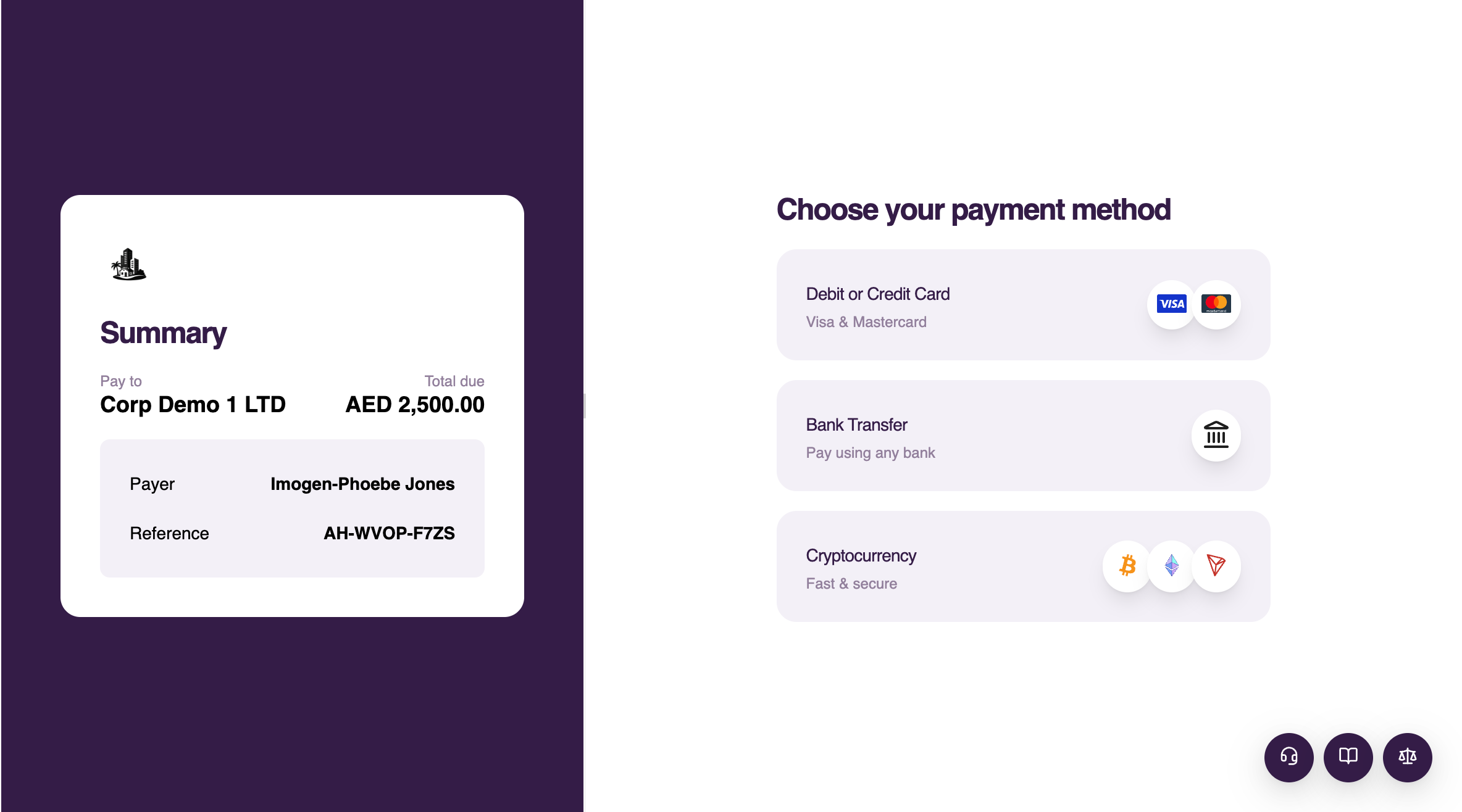
Open the payment link supplied by the business and choose one of the payment methods shown. Available methods depend on the payment request.
Pay by card
-
Select Debit or credit card
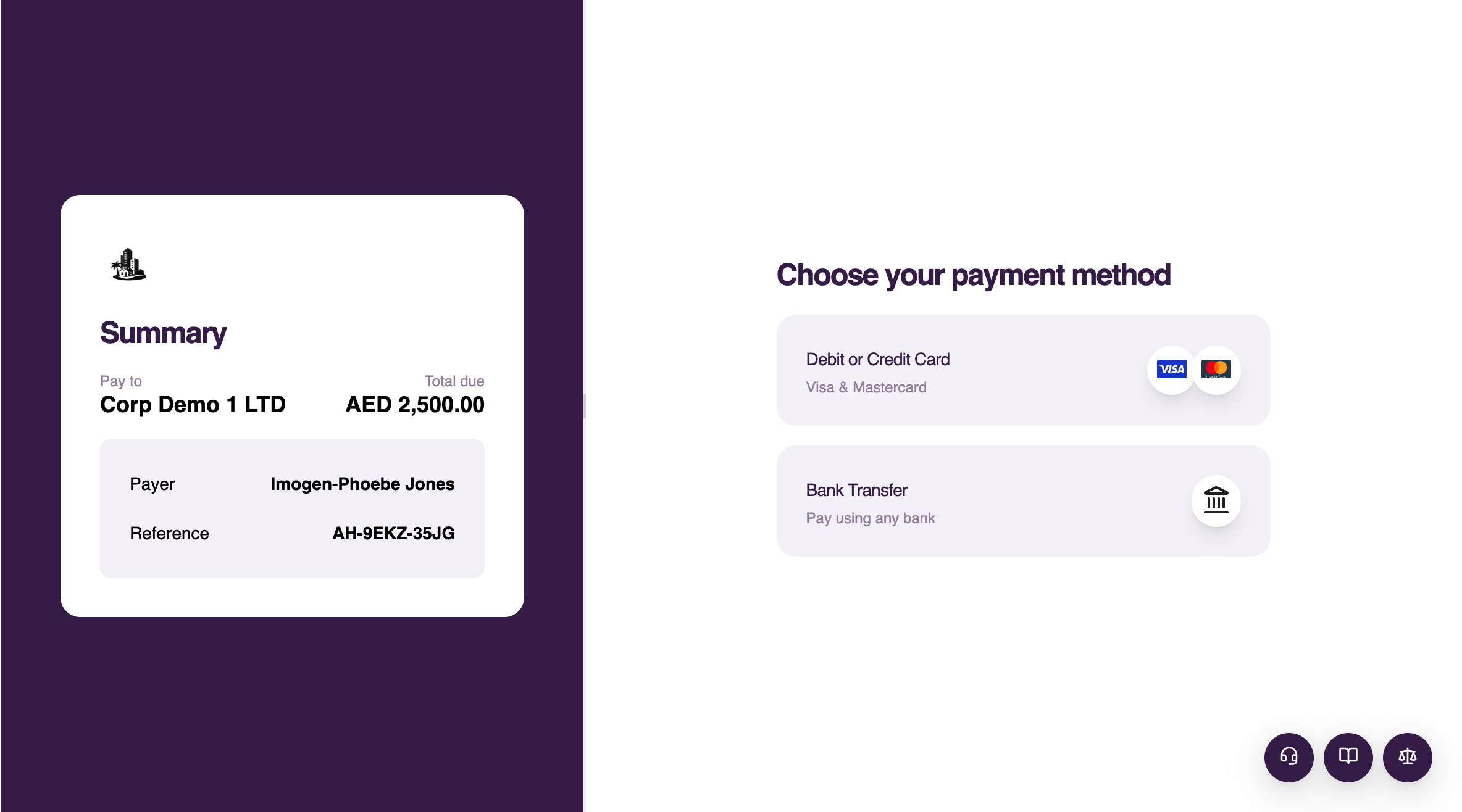
-
Enter the cardholder name, card number, expiry date and security code
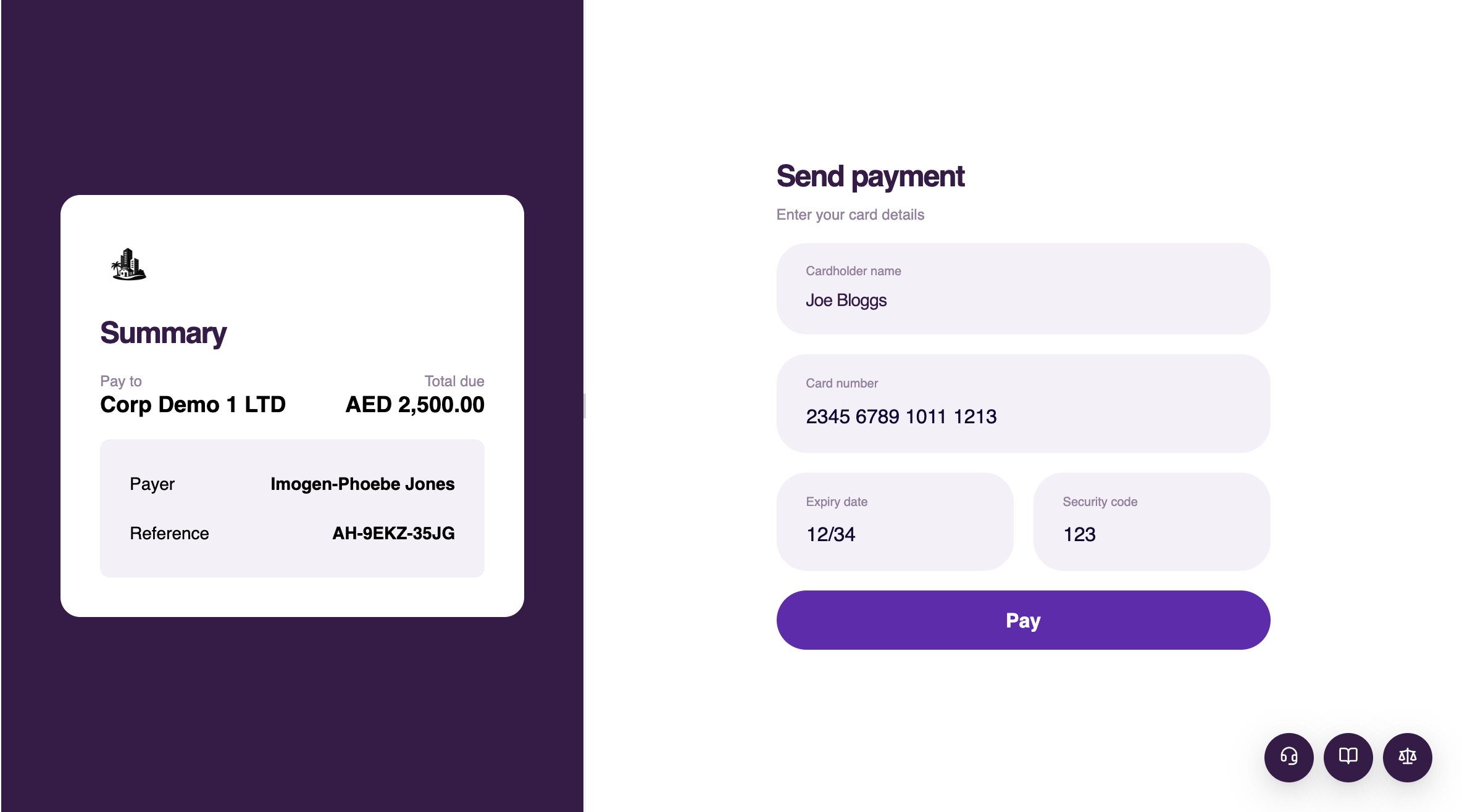
-
Select Pay
-
Complete bank authentication if prompted
-
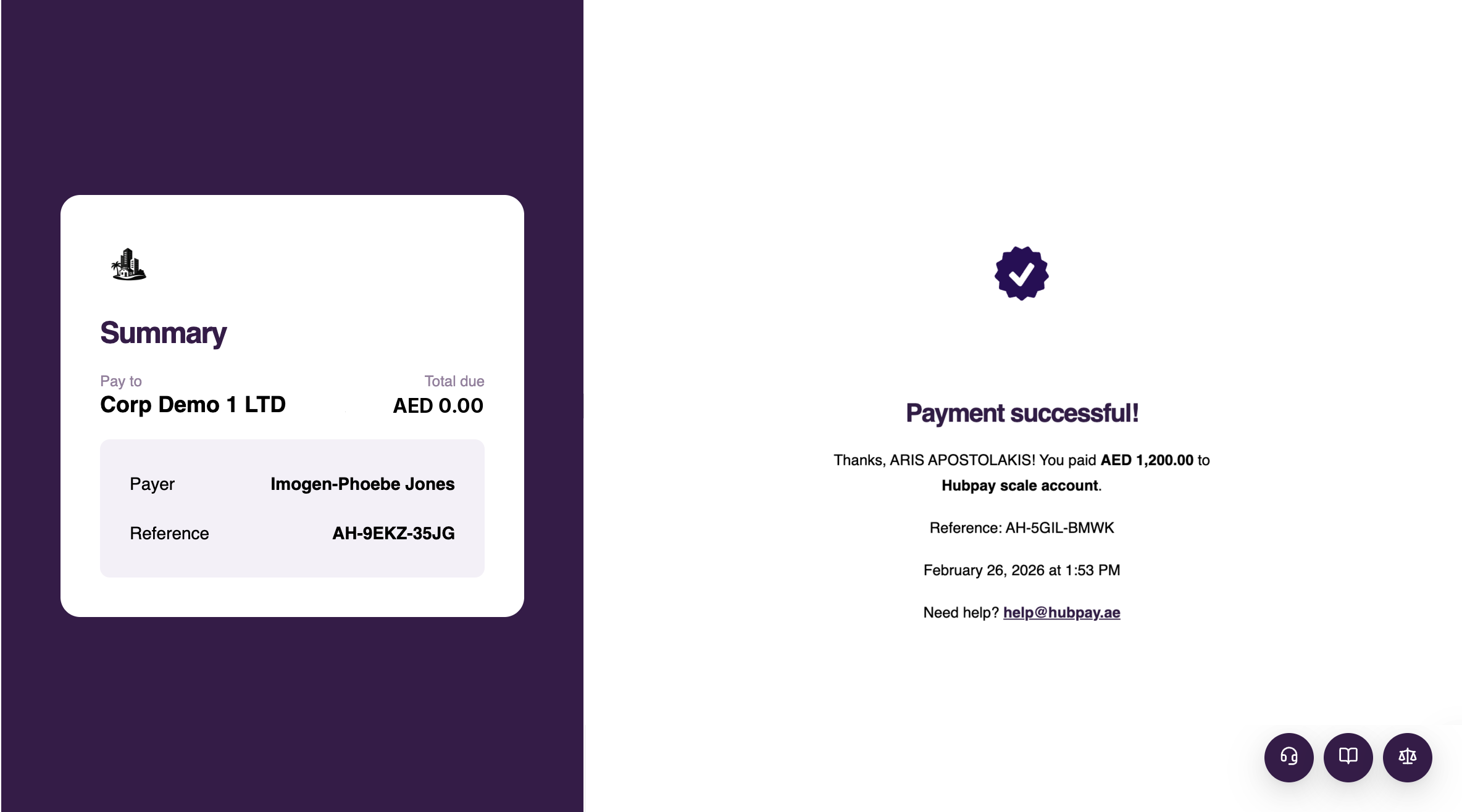
Wait for the payment confirmation screen
Pay by bank transfer
-
Select Bank transfer
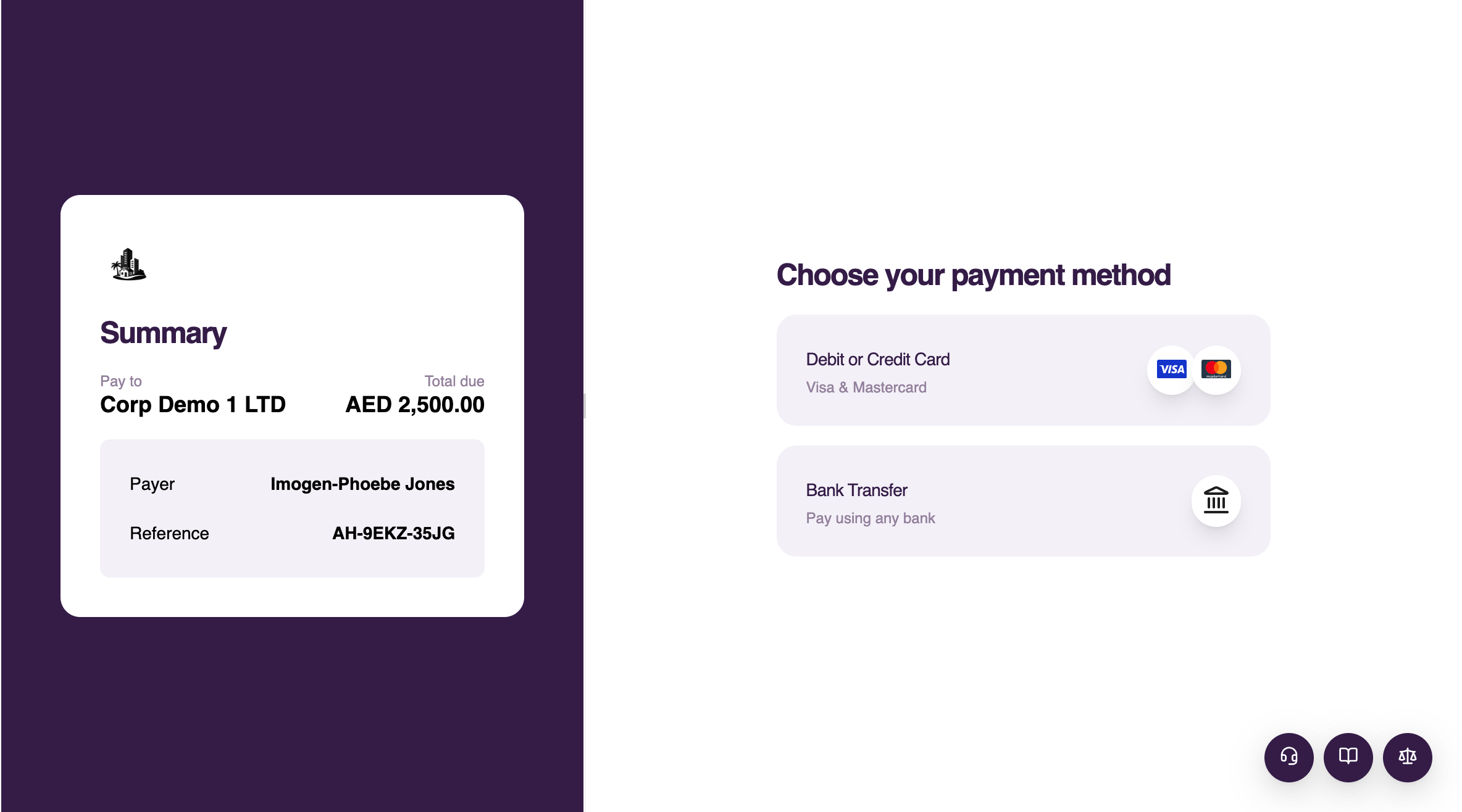
-
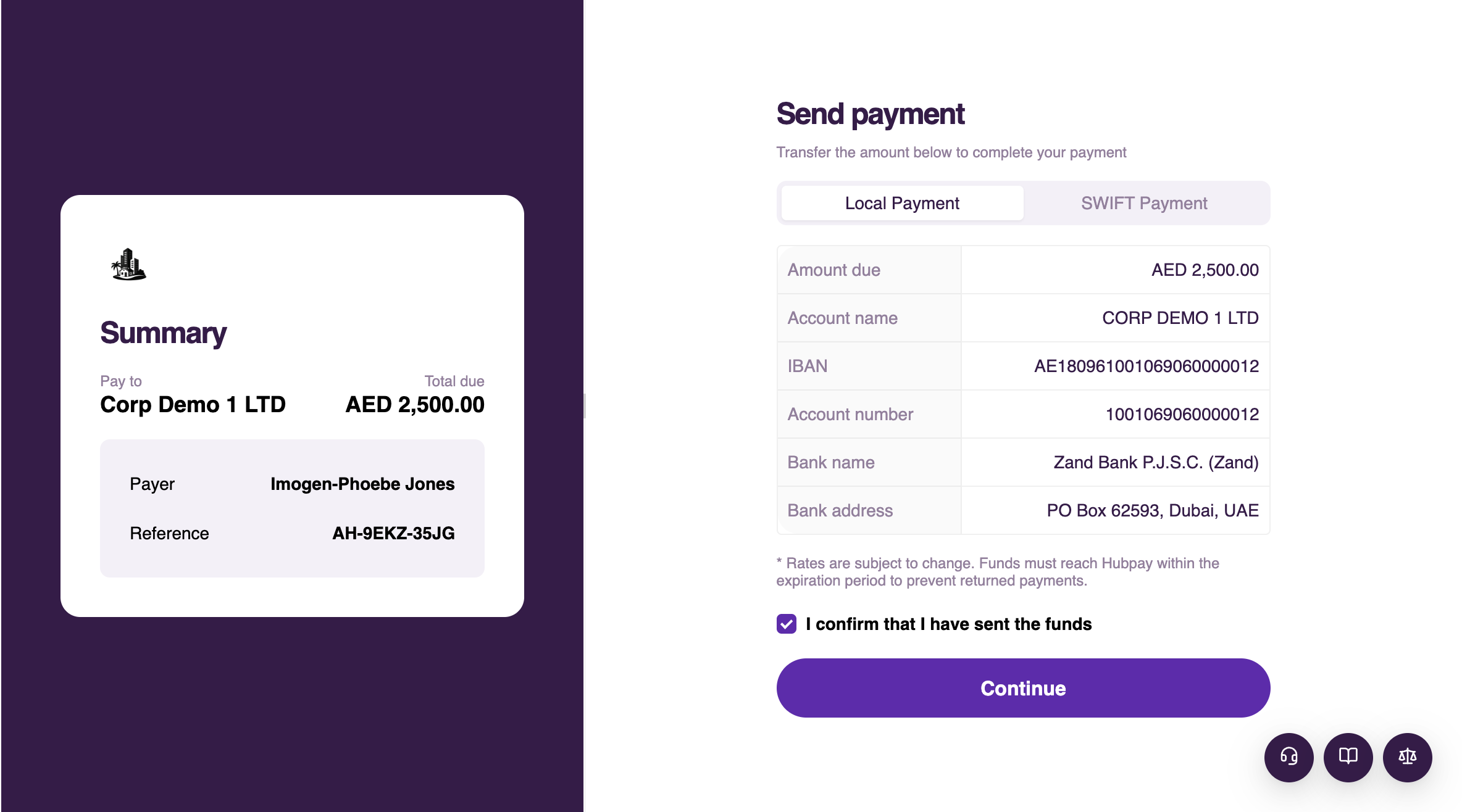
Choose Local payment or SWIFT payment and copy the account details
-
Send the exact amount from your bank
-
Include the reference displayed by Hubpay
-
Return to Hubpay and confirm that the transfer was sent
-
Upload proof of payment if requested
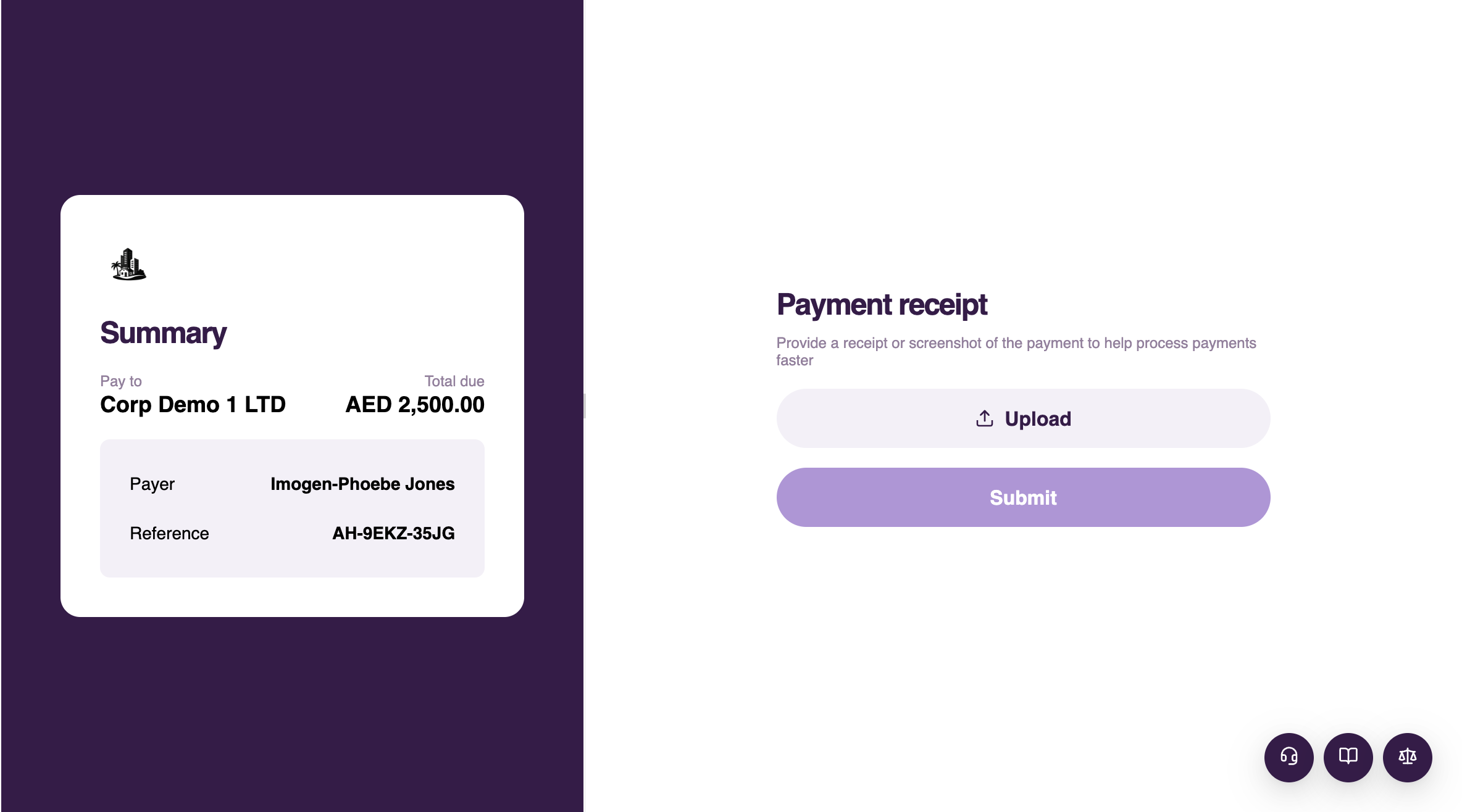
Hubpay confirms the payment after the transfer is received. Bank processing time varies by currency, route and sending bank.
Pay with cryptocurrency
Before paying an on-chain sandbox request, set up a test crypto wallet. Never use a wallet containing real funds for a sandbox payment.
-
Select Cryptocurrency
-
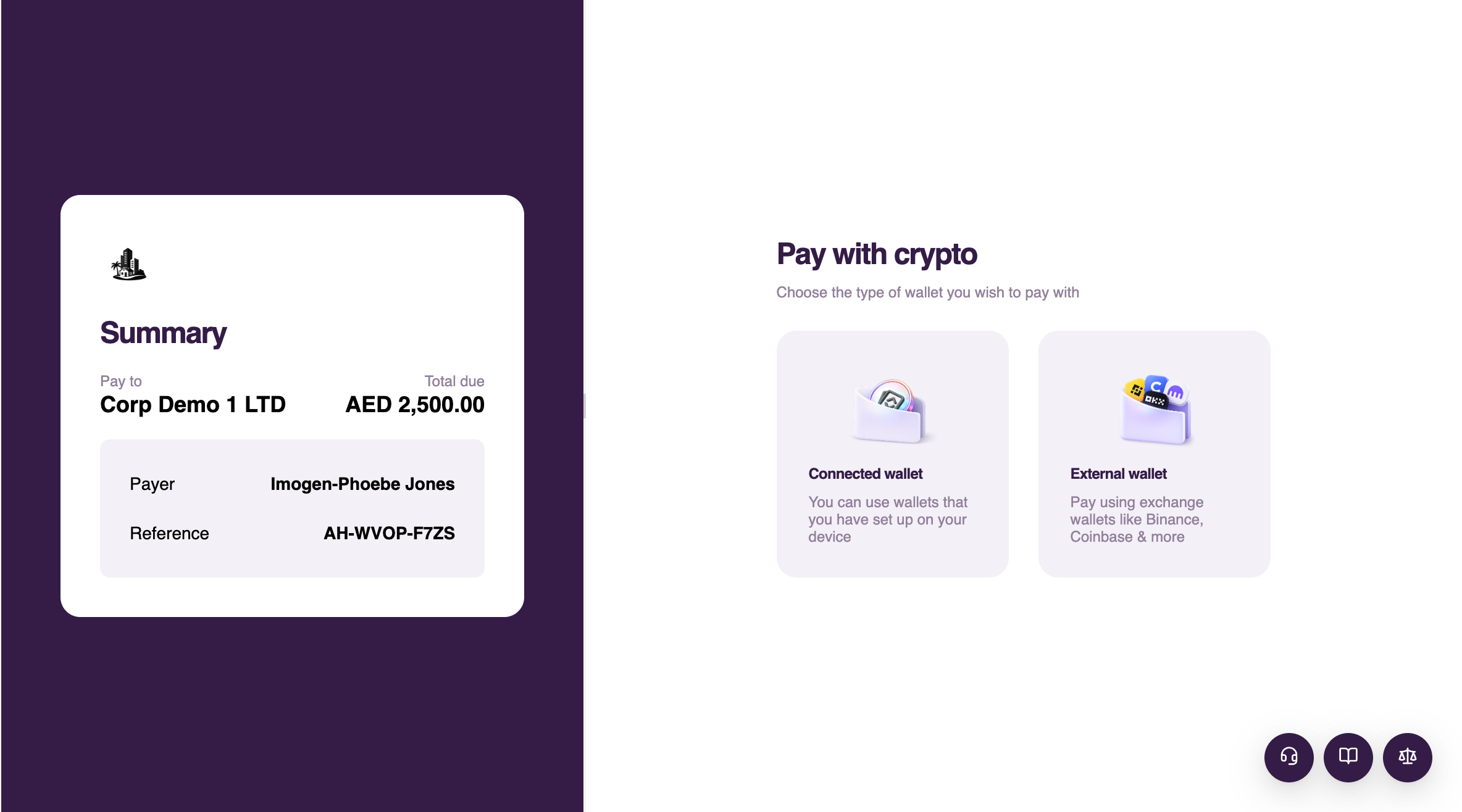
Choose a connected wallet or an external wallet
-
Select the required asset and network
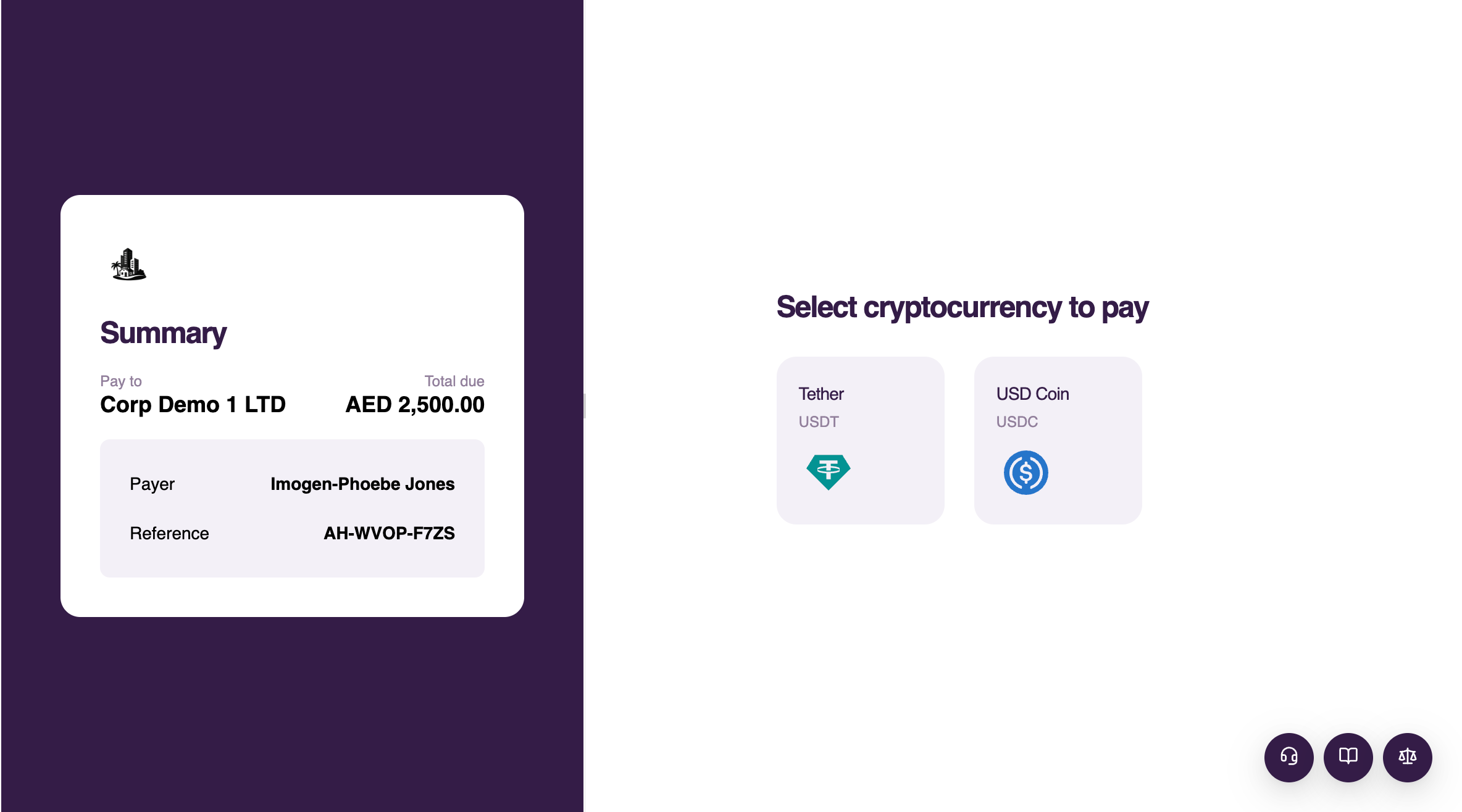
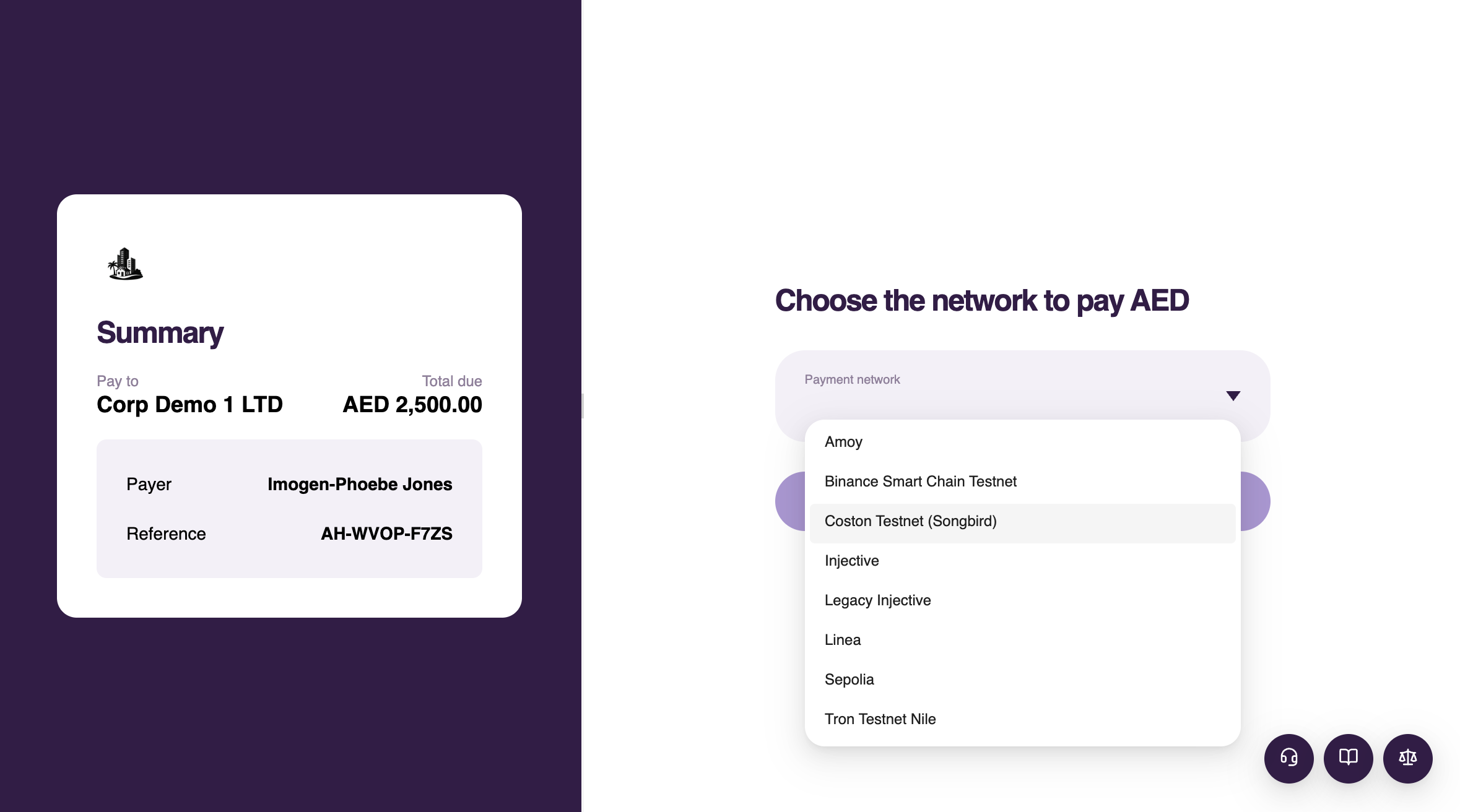
-
Connect and verify the wallet if required
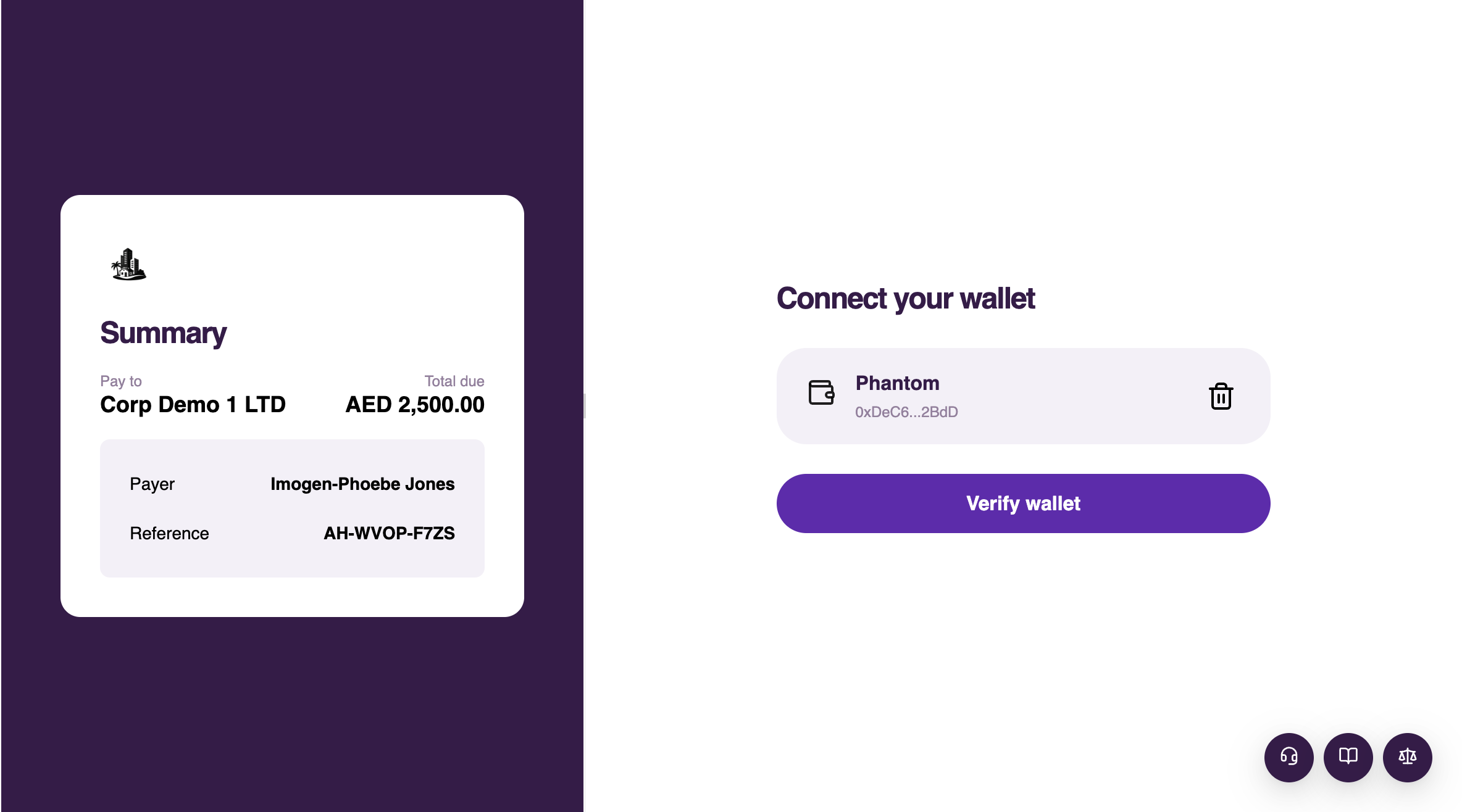
-
Send the exact amount in one transaction to the displayed address, or scan the QR code
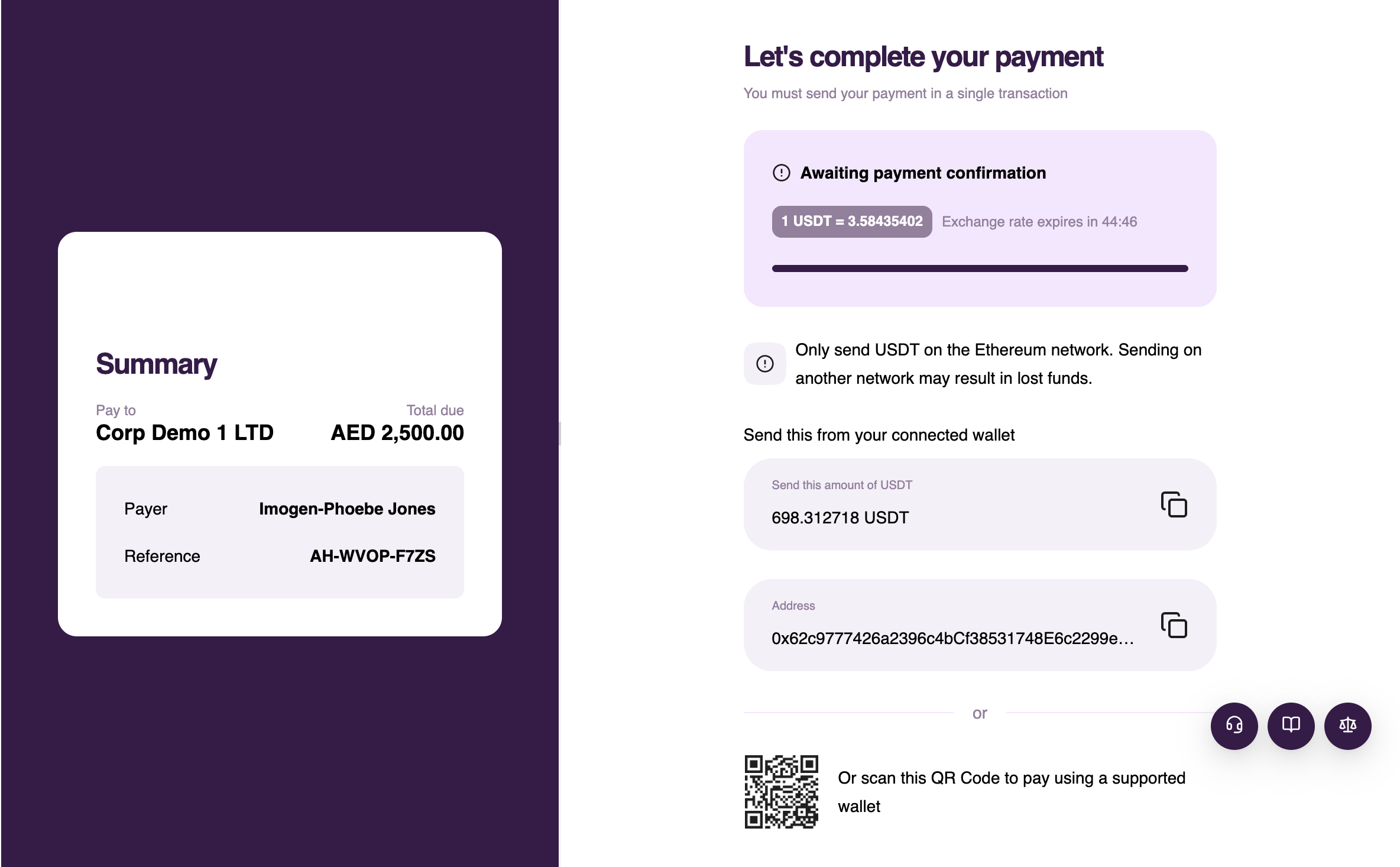
Only send the selected asset on the selected network. Sending another asset or network may result in permanent loss.



